Markvida Batch — Batch Watermark & Image Processor
A downloadable tool
Protect your product photos in one pass. No Photoshop. No manual work. Fully offline.
Stop image theft. Save hours of manual work.
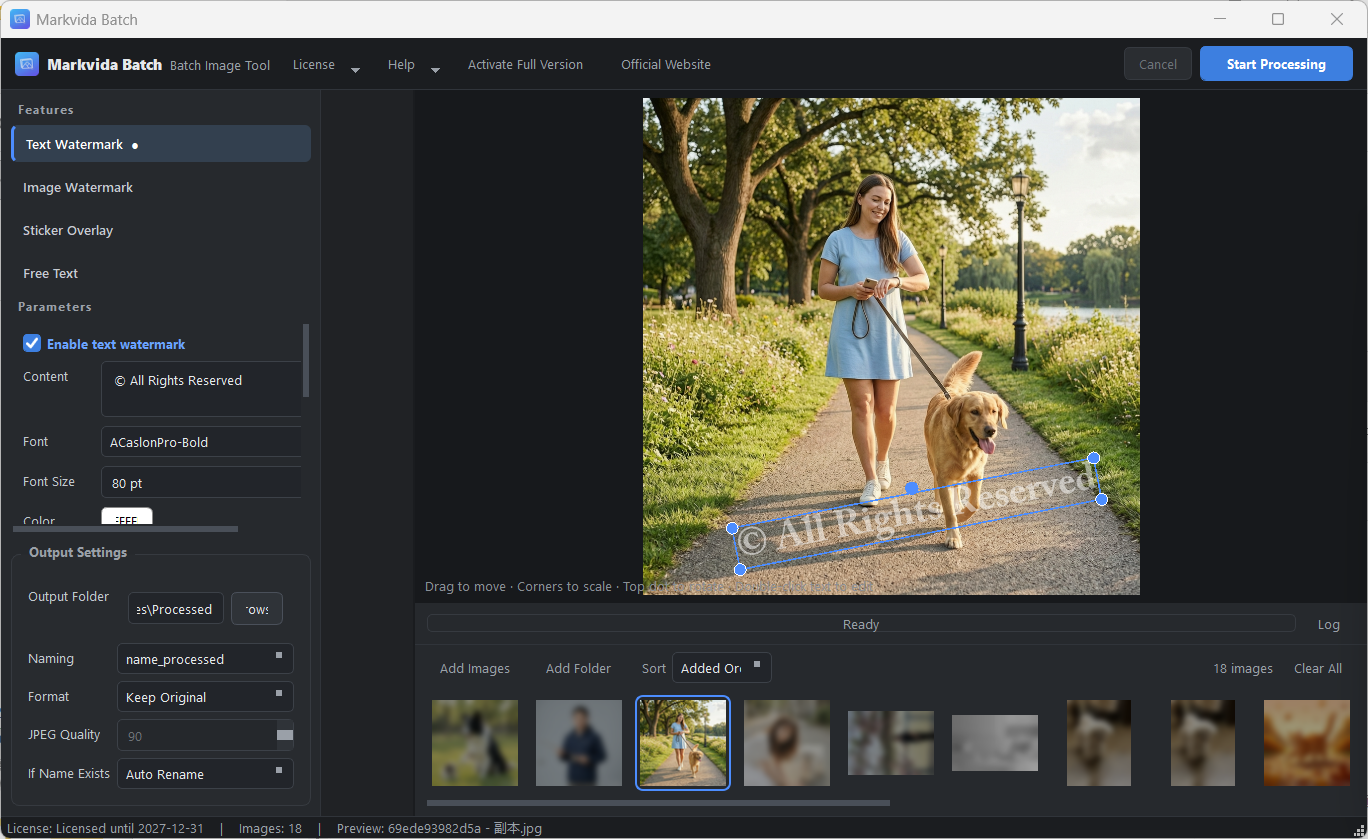
Markvida Batch applies text, logo, sticker, and caption watermarks across hundreds of photos in seconds — all on your own Windows machine, with zero uploads.
What it does
- Batch watermark any folder of images
- Add text, logo images, sticker overlays, or free-text captions
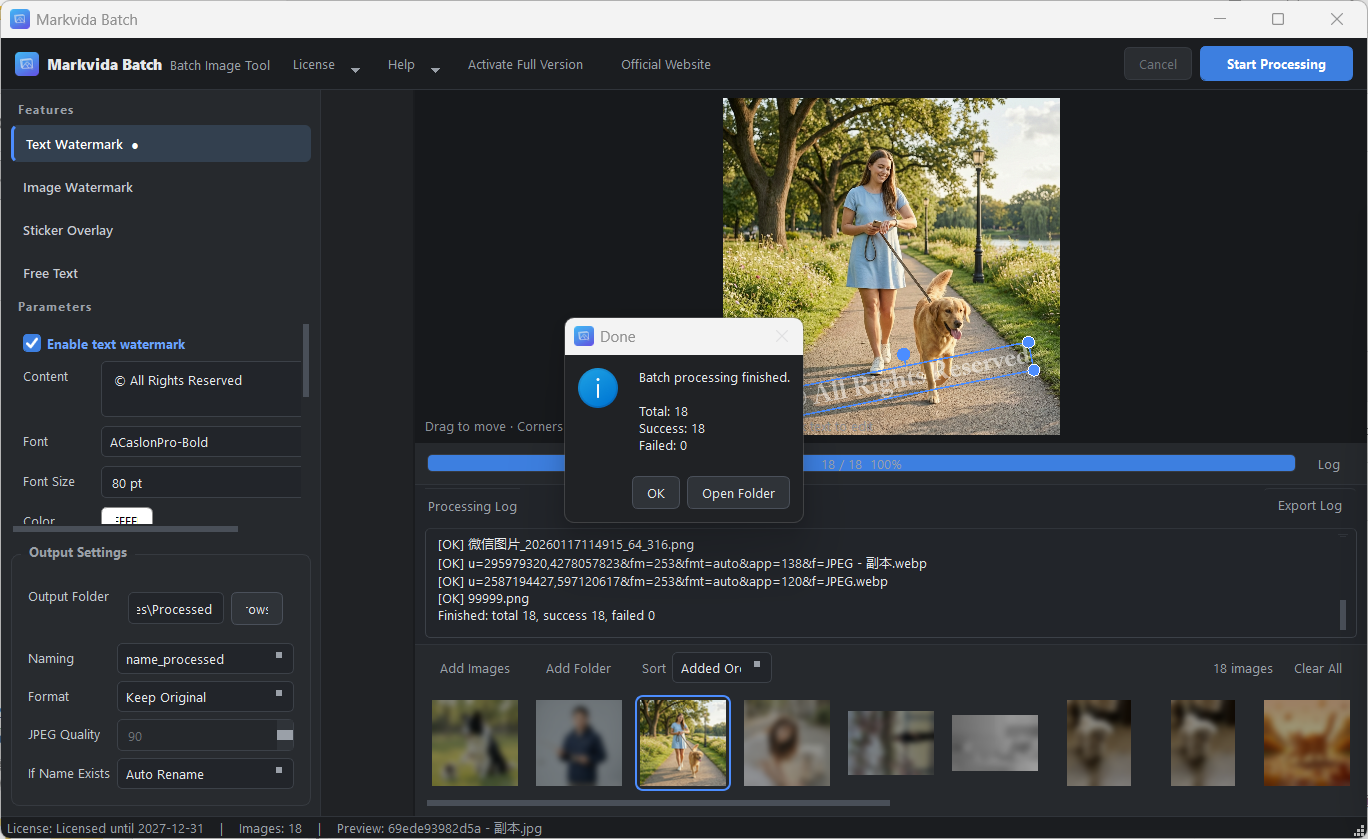
- Process hundreds of files in one click
- Full control over positioning, size, rotation, opacity, and tiling
Why you'll like it
- Works offline – no cloud, no uploads, no tracking. Your images stay on your computer.
- No installation – just unzip and run. Delete the folder to uninstall.
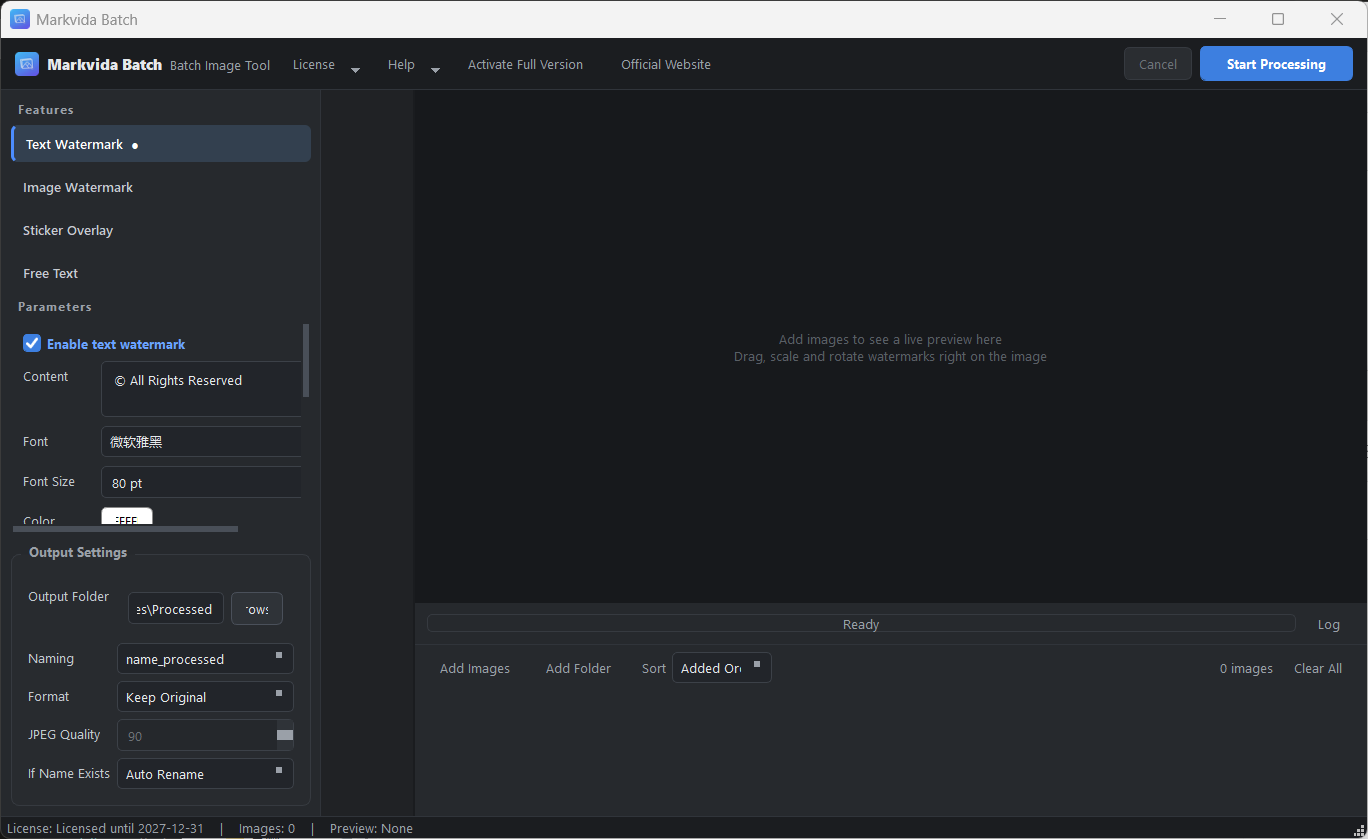
- Live preview – see changes in under 0.3 seconds. Drag, resize, rotate, and edit text directly on the canvas.
- Flexible output – choose naming rules (suffix, prefix, or auto-sequence), keep or convert formats (JPG/PNG), and set quality.
- Safe – originals are never modified unless you choose to overwrite.
Plans
Monthly – $7.99 / month
Short-term projects, seasonal campaigns. Cancel anytime.
Yearly – $19.99 / year (save 33% vs monthly)
Best for regular workflow. Updates and support for 12 months.
Lifetime – $39.99 one-time
Buy once, use forever on this PC. Includes updates for the current major version.
All plans include the same full feature set. One license = one computer.
How activation works
1. Download the trial and run it on your computer
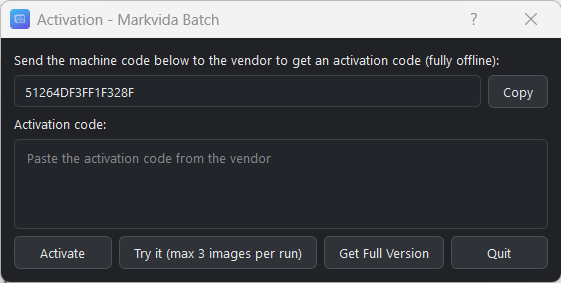
2. Copy your 16-character machine code from the activation window
3. Choose a plan and pay via card or PayPal
4. Paste the machine code into the order form
5. Receive your activation code by email (within 24 hours)
6. Paste it in, click Activate — done
Frequently Asked Questions
What does the free trial include?
Every feature, with a limit of 3 images per run. No time limit. No account needed.
Does it require internet?
No. Processing and activation both work completely offline.
How many computers does one license cover?
One. Licenses are bound to a machine code. Contact us if you need extra seats.
Will it modify my original files?
No. Output goes to a separate folder. Originals stay untouched.
Need video watermarks instead?
For video watermarks, use Markvida Watermark Studio.
Download
Install instructions
Runs on any modern Windows PC
| Operating System | Windows 10 / 11 (64-bit) |
|---|---|
| Processor | Any modern x64 CPU (Intel / AMD); multi-core recommended for faster batch processing |
| Memory (RAM) | 4 GB minimum, 8 GB recommended |
| Disk Space | 500 MB free space for the software (additional space needed for output images) |
| Display | 1280 × 800 or higher; 4K / high-DPI screens fully supported (automatic scaling) |
| Internet | Not required — 100% offline: image processing and license activation work without any network connection |
| Permissions | Standard user account is enough; no administrator rights or installation needed |
| Other dependencies | None — no Python, no runtime libraries, no frameworks to install |
Leave a comment
Log in with itch.io to leave a comment.